



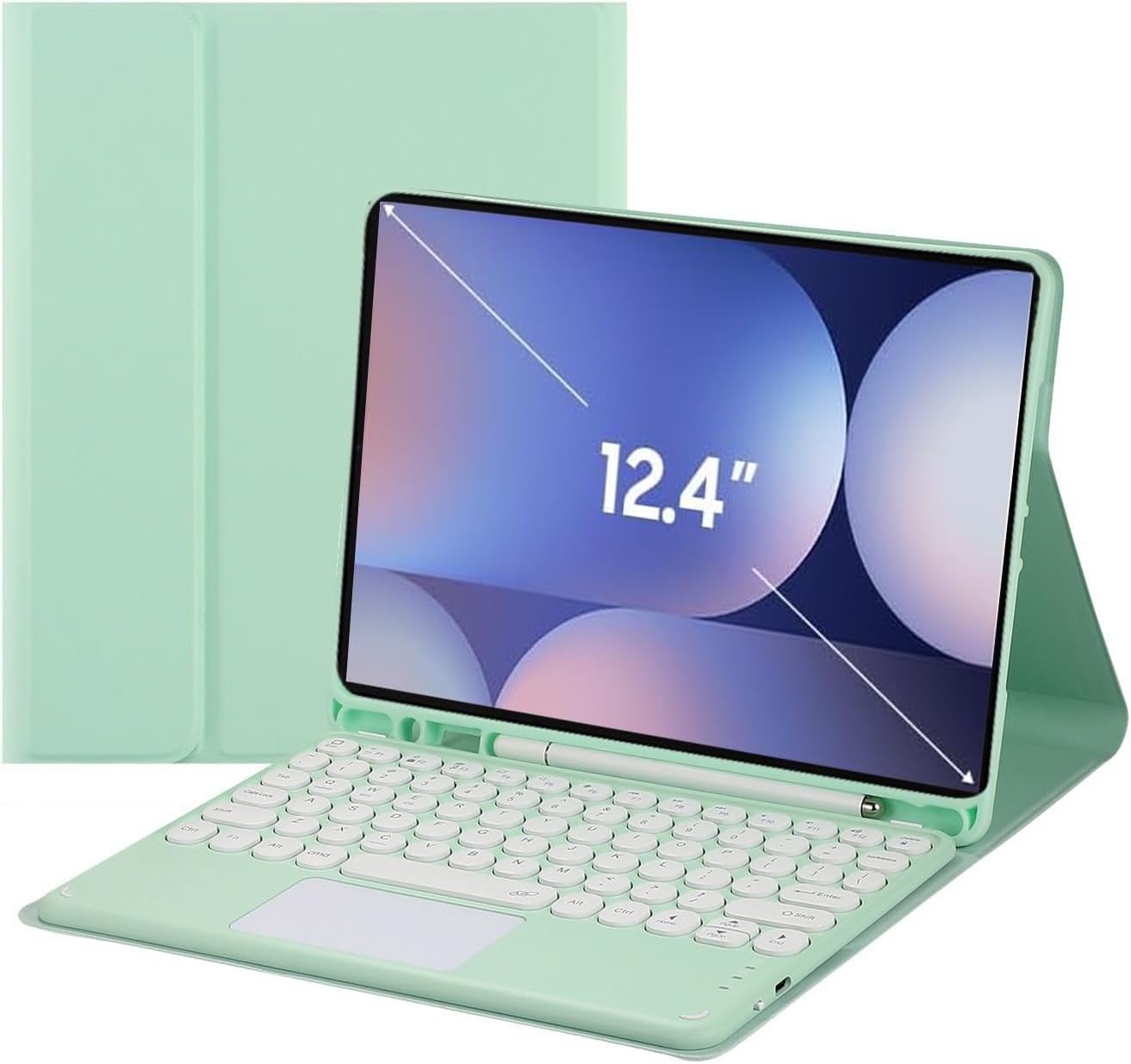
Touch Keyboard Case for Samsung Galaxy Tab S10+ Plus/ S9 FE+ Plus/Galaxy Tab S9+ Plus 12.4”, with Pencil Holder - Magnetically Detachable Touch Bluetooth Keyboard

 4.1 (20 items)
 Limited Time Sale
US$32.99 cheaper than the new price!!
Free cash-on-delivery fees for purchases over $99
Product details
| Management number | 230348085 | Release Date | 2026/06/18 | List Price | US$21.99 | Model Number | 230348085 | ||
|---|---|---|---|---|---|---|---|---|---|
| Category | |||||||||
How to get the keyboard sync with Tab: 1.Please fully charge the keyboard and turn it on, the light comes on and then goes off. 2.Press the "FN+C" to open keyboard's bluetooth. note:please press"Fn""C" together. 3.Go to your tablet settings, click on bluetooth and look for the keyboard. 4.Click on the keyboard and it will connect. 5. please press"Fn""Q" together, it will open Android system. then the keyboard case can work well. IMPORTANT: No.1:Please press "Fn" and "C" together to open the bluetooth. No.2:Please press "Fn" and "Q" together to open Samsung system. No.3:The keyboard automatically enters Sleep mode when it doesn't work for over 15 minutes. Click any key to activate the keyboard. No.4:The Bluetooth pairing is automatically interrupted when the tablet is in sleep mode.
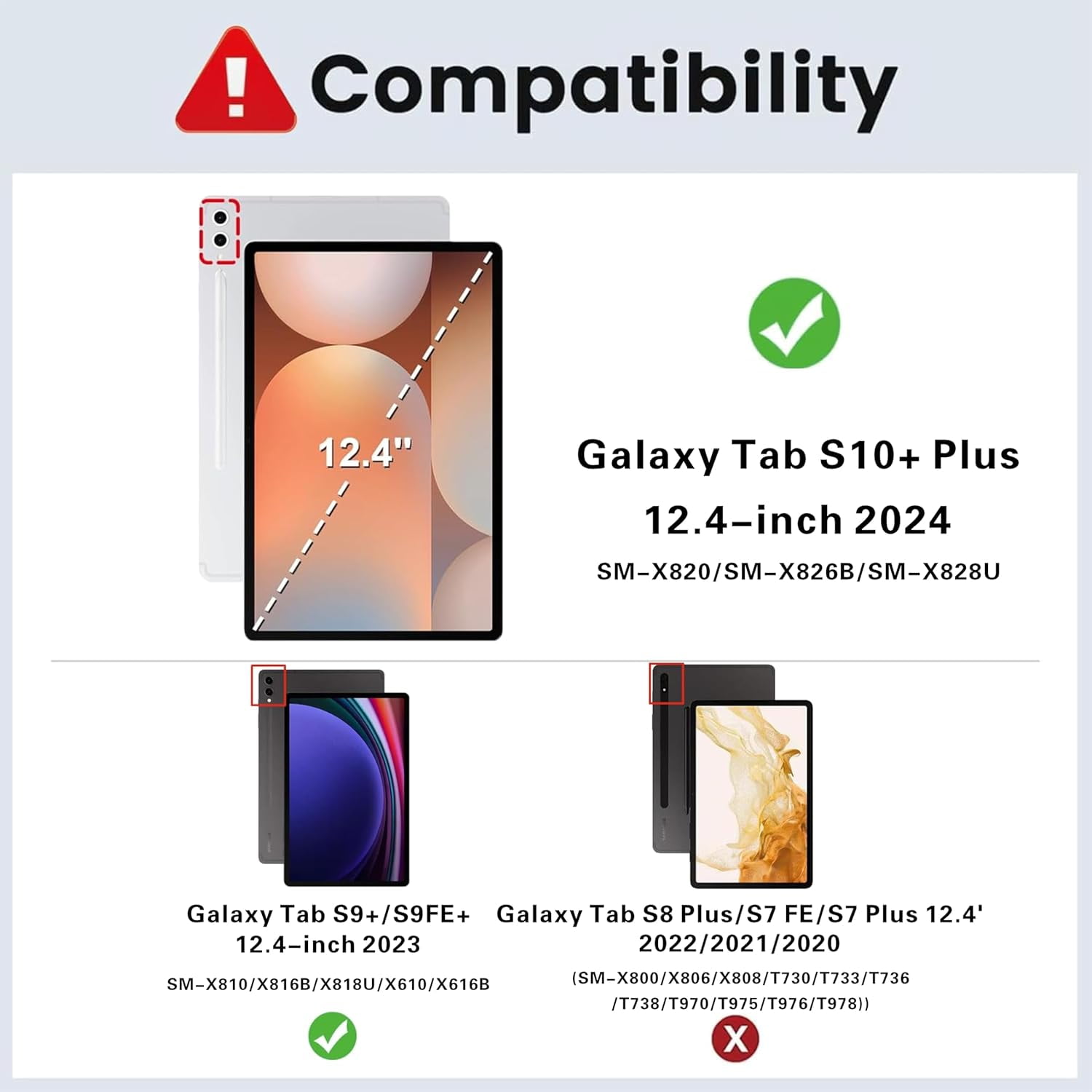
- 【Compatibility】: Specifically designed for Samsung Galaxy Tab S10+ Plus (Model SM-X820/SM-X826B/SM-X828U) 2024 Release, Samsung Galaxy Tab S9 FE+/S9 FE Plus 12.4 inch (Model SM-X610/X616B), Samsung Galaxy Tab S9+/S9 Plus 12.4 inch (Model SM-X810/X816B/X818U) 2023 Release tablet. It will NOT work for any other model device.
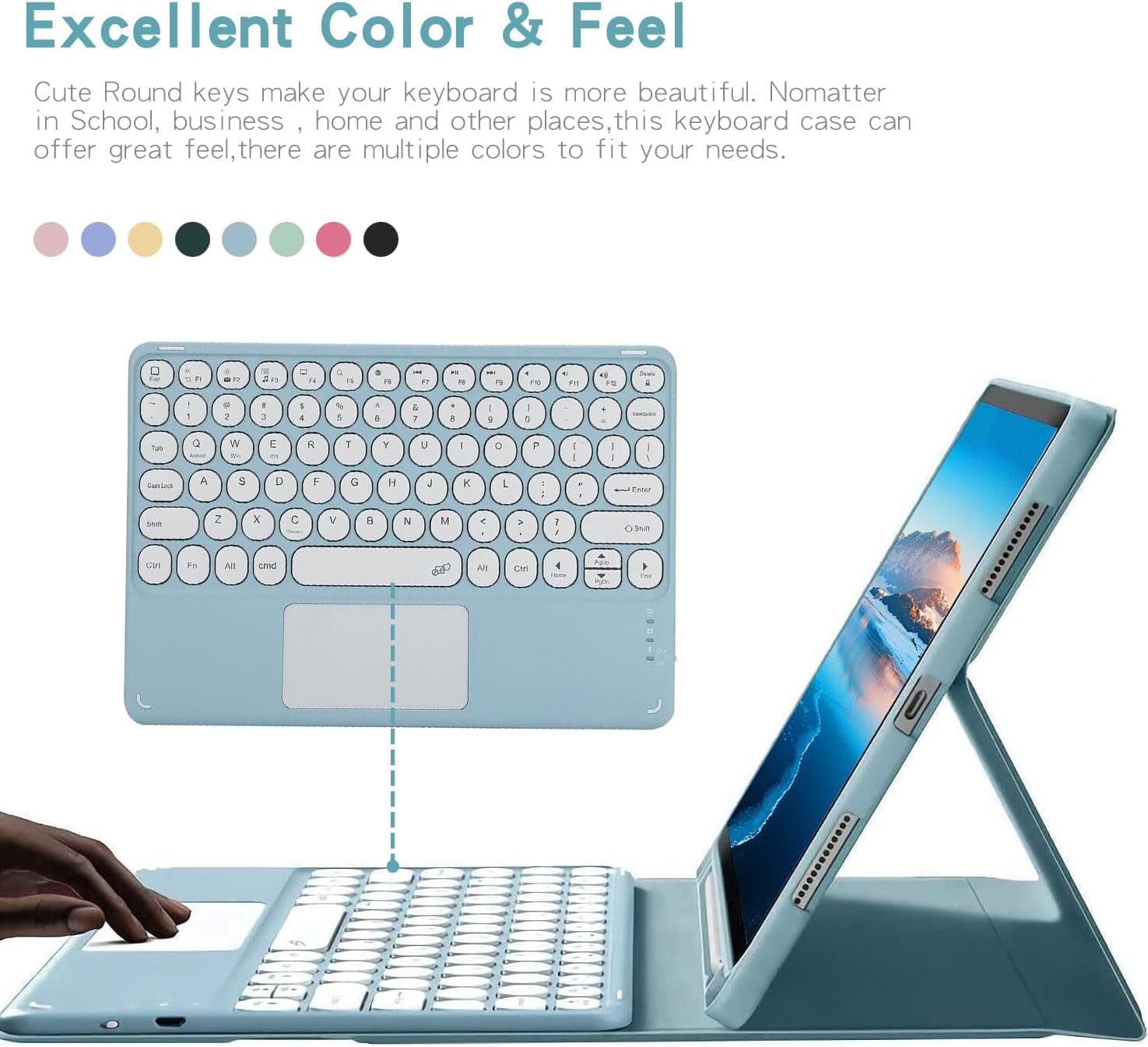
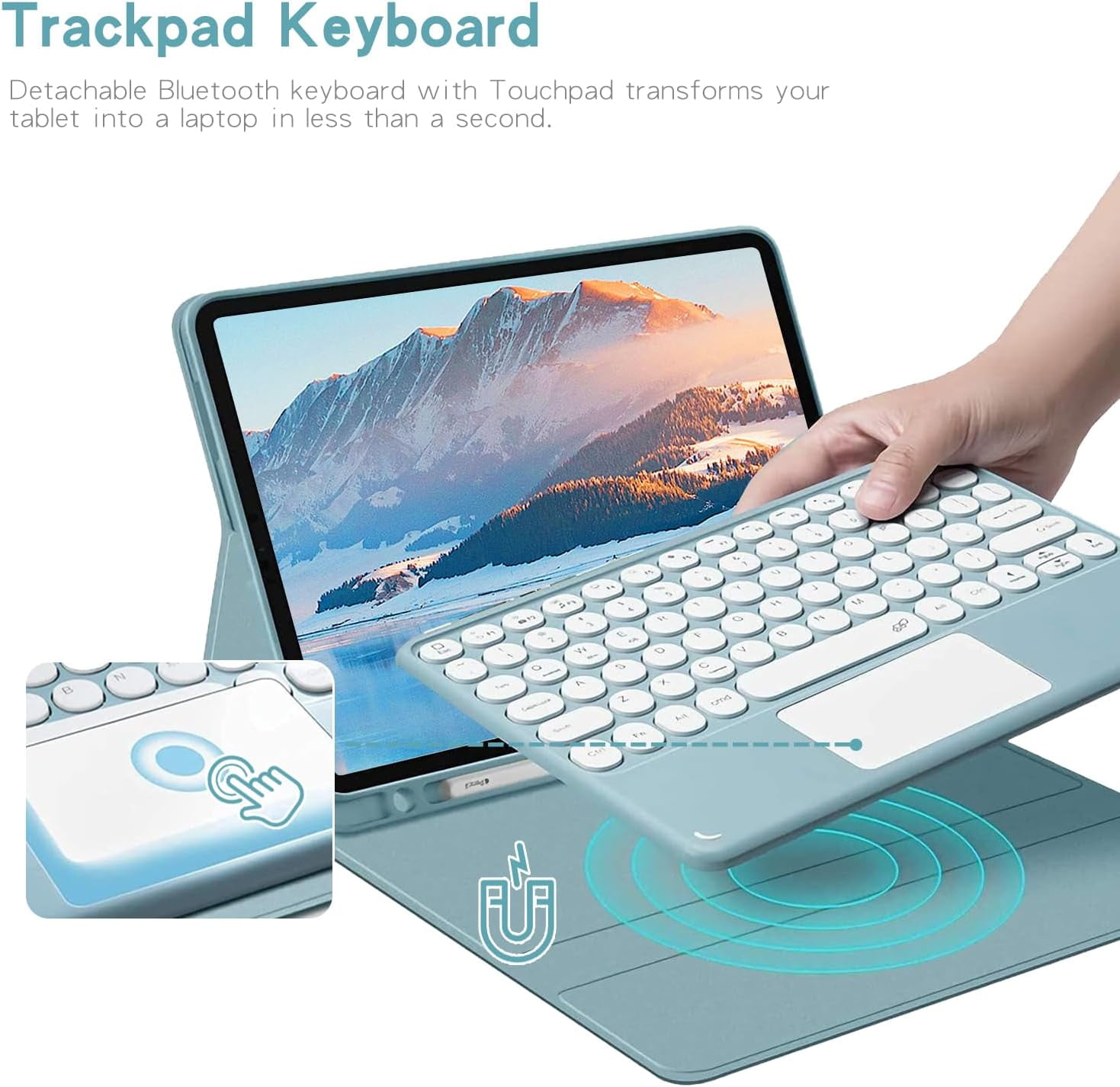
- 【Trackpad Keyboard】 Detachable Bluetooth keyboard with Touchpad transforms your tablet into a laptop in less than a second.
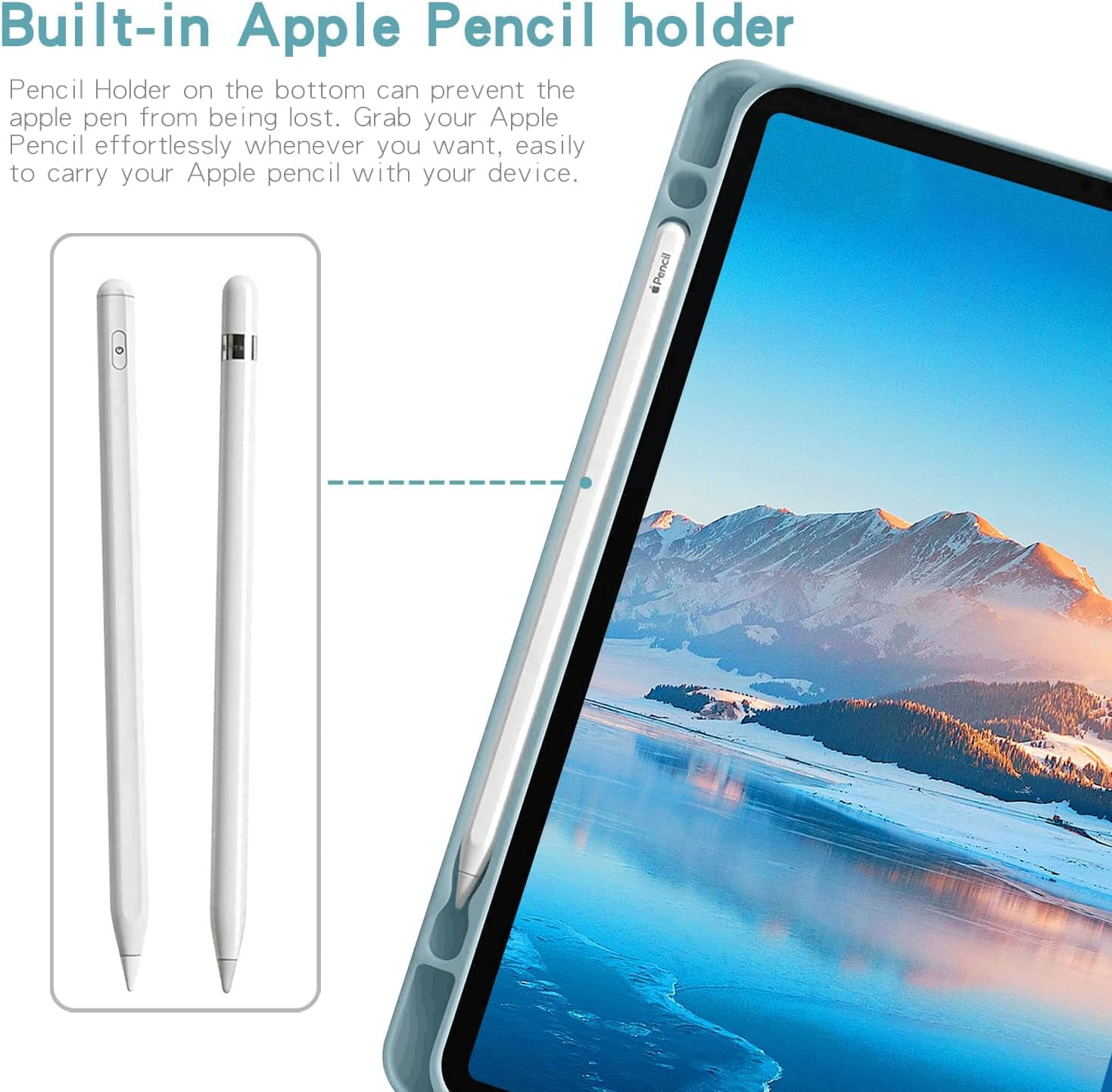
- 【Built-in Pencil holder 】Pencil Holder on the bottom can prevent the pen from being lost. Grab your Pencil effortlessly whenever you want, easily to carry your pencil with your device. **Pencil not included!**
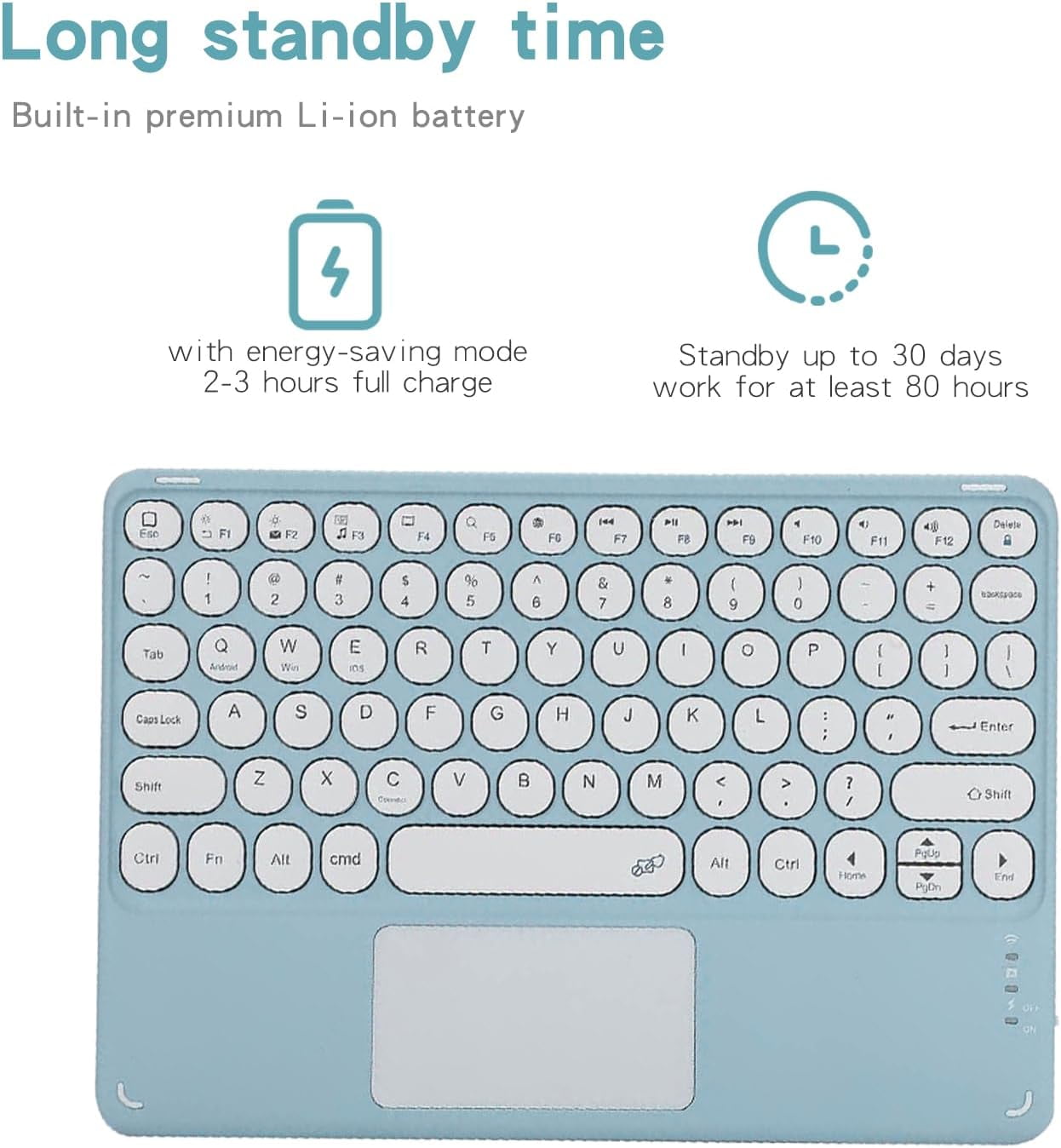
- 【Long standby time】Built-in premium Li-ion battery with energy-saving mode, 2-3 hours full charge, Standby up to 30 days,work for at least 80 hours.
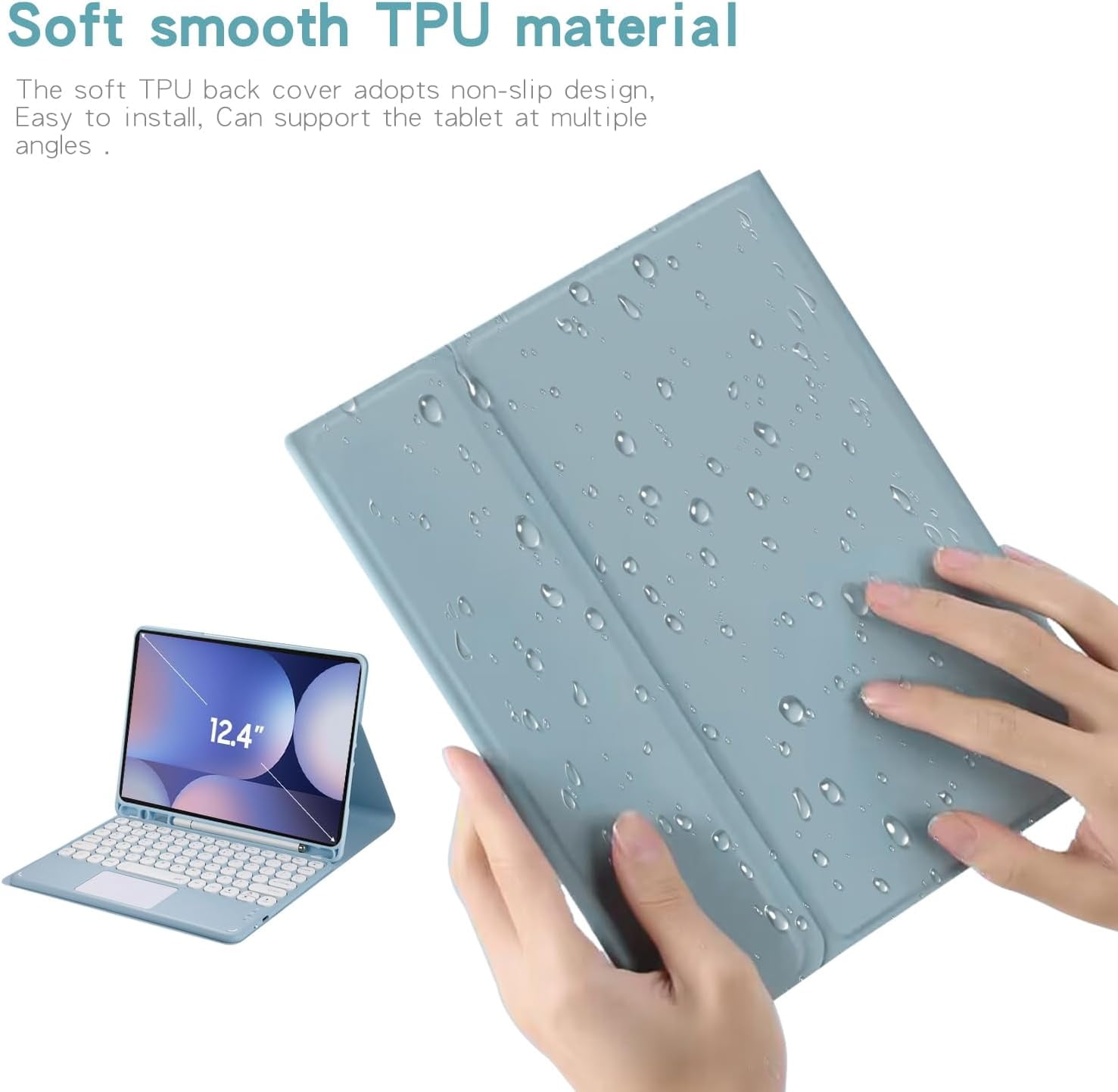
- 【Soft smooth TPU material 】The soft TPU back cover adopts non-slip design, Easy to install, Can support the tablet at multiple angles .
| Wireless | Y |
|---|---|
| Computer keyboard type | Standard Keyboards |
| Brand | Wuzhuangtai |
| Color | Green |
| Power type | Battery |
| Connection | Bluetooth |
| Battery consumption type | Integrated Rechargeable Battery |
| Accessories | How to get the keyboard sync with Tab: 1.Please fully charge the keyboard and turn it on, the light comes on and then goes off. 2.Press the "FN+C" to open keyboard's bluetooth. note:please press"Fn""C" together. 3.Go to your tablet settings, click on bluetooth and look for the keyboard. 4.Click on the keyboard and it will connect. 5. please press"Fn""Q" together, it will open Android system. then the keyboard case can work well. IMPORTANT: No.1:Please press "Fn" and "C" together to open the bluetooth. No.2:Please press "Fn" and "Q" together to open Samsung system. No.3:The keyboard automatically enters Sleep mode when it doesn't work for over 15 minutes. Click any key to activate the keyboard. No.4:The Bluetooth pairing is automatically interrupted when the tablet is in sleep mode. |
| Height | 2 in |
| Weight | 1 lb |
| Count per pack | 1 |
| Has written warranty | No |
Bestseller ranking
Computers


Customers who viewed this product also viewed
White Deck Boxes

Correction of product information
If you notice any omissions or errors in the product information on this page, please use the correction request form below.
Correction Request Form